
How to Use Seed Lists for Accurate Deliverability Testing
%201.png)
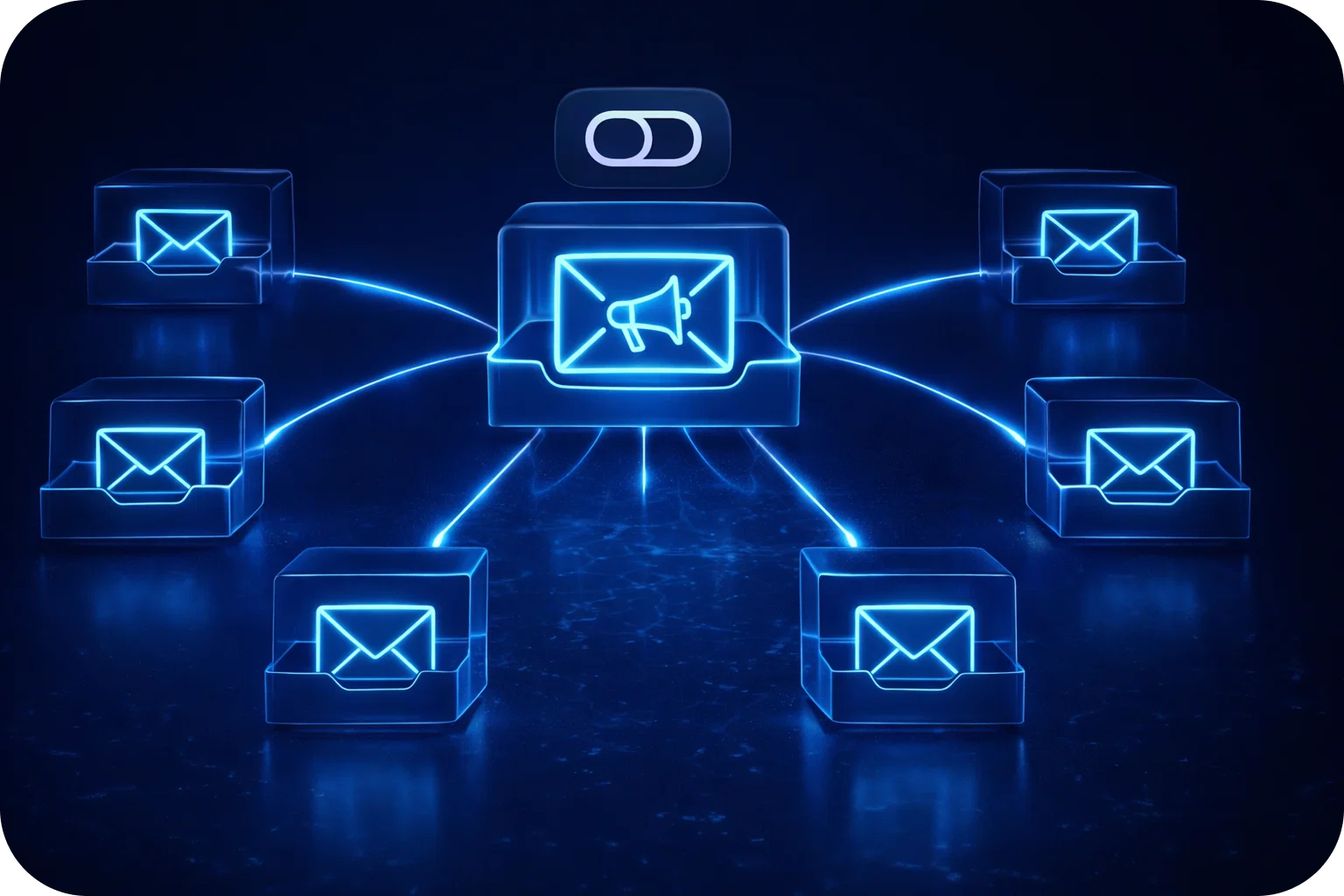
For startups and sales teams, email is one of the most powerful tools for reaching new prospects and nurturing leads. But even the most compelling cold email campaigns can fall flat if they never reach the recipient’s inbox. Email deliverability, the ability of your messages to successfully land in the inbox rather than the spam folder or promotions tab, is critical to your success.
So, how can you know for sure where your emails are landing? Enter the seed list: a proven method for accurate deliverability testing. This guide will walk you through everything you need to know about seed lists, from setup and best practices to interpreting results and optimizing your campaigns. By the end, you’ll be equipped to improve your inbox placement, detect spam issues early, and protect your sender reputation.
What Is a Seed List?
A seed list is a curated selection of email addresses representing major mailbox providers (like Gmail, Outlook, Yahoo, and others). These addresses are used for testing where your emails land when sent from your domain or sending platform. Instead of guessing about deliverability, a seed list lets you see real-world results across different providers and environments.
Why Seed Lists Matter
- Reveal True Deliverability: Seed lists allow you to move beyond open rates and see exactly where your emails are delivered: inbox, spam, or promotions.
- Detect Spam Filters Early: By testing before a full campaign launch, you can catch spam triggers and resolve issues before they impact your real audience.
- Provider Diversity: Testing across a range of providers gives you a holistic view of your deliverability health.
- Ongoing Monitoring: Regular use of seed lists helps you maintain high deliverability and quickly spot negative trends.
How to Build and Use a Seed List
1. Curate a Diverse Seed List
To get accurate insights, your seed list should include:
- Major Providers: Gmail, Outlook, Yahoo, iCloud, AOL, Zoho, and others relevant to your audience.
- Personal and Business Accounts: Mix of both types to mimic your real recipients.
- Geographical Spread: If you’re targeting international markets, include addresses from different regions.
- Active, Monitored Addresses: Ensure the accounts are checked regularly and not dormant.
2. Integrate the Seed List Into Your Workflow
- Add seed emails to every campaign as if they were real prospects, but segment them for easy tracking.
- Tag or label these addresses in your CRM or sending platform.
- Avoid overusing the same seed addresses; rotate them periodically to avoid detection by mailbox providers.
3. Send Test Campaigns
- Before launching to your full list, send a test to your seed list.
- Monitor where each email lands (inbox, spam, promotions, or blocked).
- Record these results for each provider and campaign type.
Interpreting Inbox Placement Test Results
Once your test emails are delivered, analyze the results:
- Inbox: Your email reached the main inbox, ideal outcome.
- Promotions: For Gmail and some other providers, emails may land in the Promotions tab. Still visible, but less prominent.
- Spam/Junk: Indicates a problem, your message is likely being filtered by spam detection algorithms.
- Missing/Blocked: If an email doesn’t arrive at all, you may be facing deliverability blocks or authentication issues.
What to Do With These Insights
- High Inbox Rates: Continue current practices, but monitor for changes.
- Promotions Tab: Adjust content or sending patterns if primary inbox delivery is your goal.
- Spam Placement: Review your email content, sending reputation, and authentication protocols.
- Blocks/Missing: Investigate DNS settings, domain reputation, and possible blacklisting.
Troubleshooting Deliverability Issues
If your seed list testing reveals problems, take these steps:
1. Review Email Content
- Avoid spammy language and excessive use of salesy phrases.
- Minimize the use of images and links, especially early in a new campaign.
- Personalize content where possible.
2. Check Technical Settings
- Ensure proper SPF, DKIM, and DMARC records are in place.
- Align sending domains and reply-to addresses.
- Use a reputable sending platform with a strong track record.
3. Warm Up New Domains and Inboxes
- Start with low sending volumes and gradually increase over 3–4 weeks.
- Engage with replies and encourage recipient interaction.
- Avoid sudden spikes in sending volume.
4. Monitor Reputation and Blacklists
- Use tools to check if your domain or IP is listed on major blacklists.
- Regularly monitor sender reputation scores.
5. Rotate or Replace Problematic Addresses
- If specific inboxes are consistently blocked, replace them in your seed list to ensure continued accuracy.
Best Practices for Seed List Deliverability Testing
- Test Regularly: Make seed list testing a routine part of every campaign.
- Keep it Realistic: Use natural-sounding names and addresses for your seeds.
- Document Results: Track placement over time to spot trends and address issues early.
- Maintain List Hygiene: Remove inactive or flagged seed addresses.
- Combine With Other Metrics: Use seed list data alongside open/click rates and bounce data for a holistic view.
Common Mistakes to Avoid
- Relying Solely on Open Rates: Open rates can be misleading due to privacy features and image blocking.
- Neglecting Sender Authentication: Missing or incorrect SPF/DKIM/DMARC records can tank deliverability.
- Overusing the Same Seeds: Providers may flag repeated use, rotate your list.
- Ignoring Feedback Loops: Pay attention to complaints and feedback from real recipients and seed addresses alike.
Take Control of Your Email Deliverability
Seed lists are a foundational tool for any organization serious about email deliverability. By proactively testing your inbox placement, you can spot issues early, refine your strategy, and protect your sender reputation. For startups and sales teams, these insights translate directly into more meetings booked, more deals closed, and faster growth.
Ready to see your deliverability in action and take the guesswork out of cold email? Book a demo with Mailpool today, and discover how easy it is to optimize your outreach for maximum impact.
More articles



Get started now


