
Why Domain Rotation Is Essential for High-Volume Senders
%201.png)
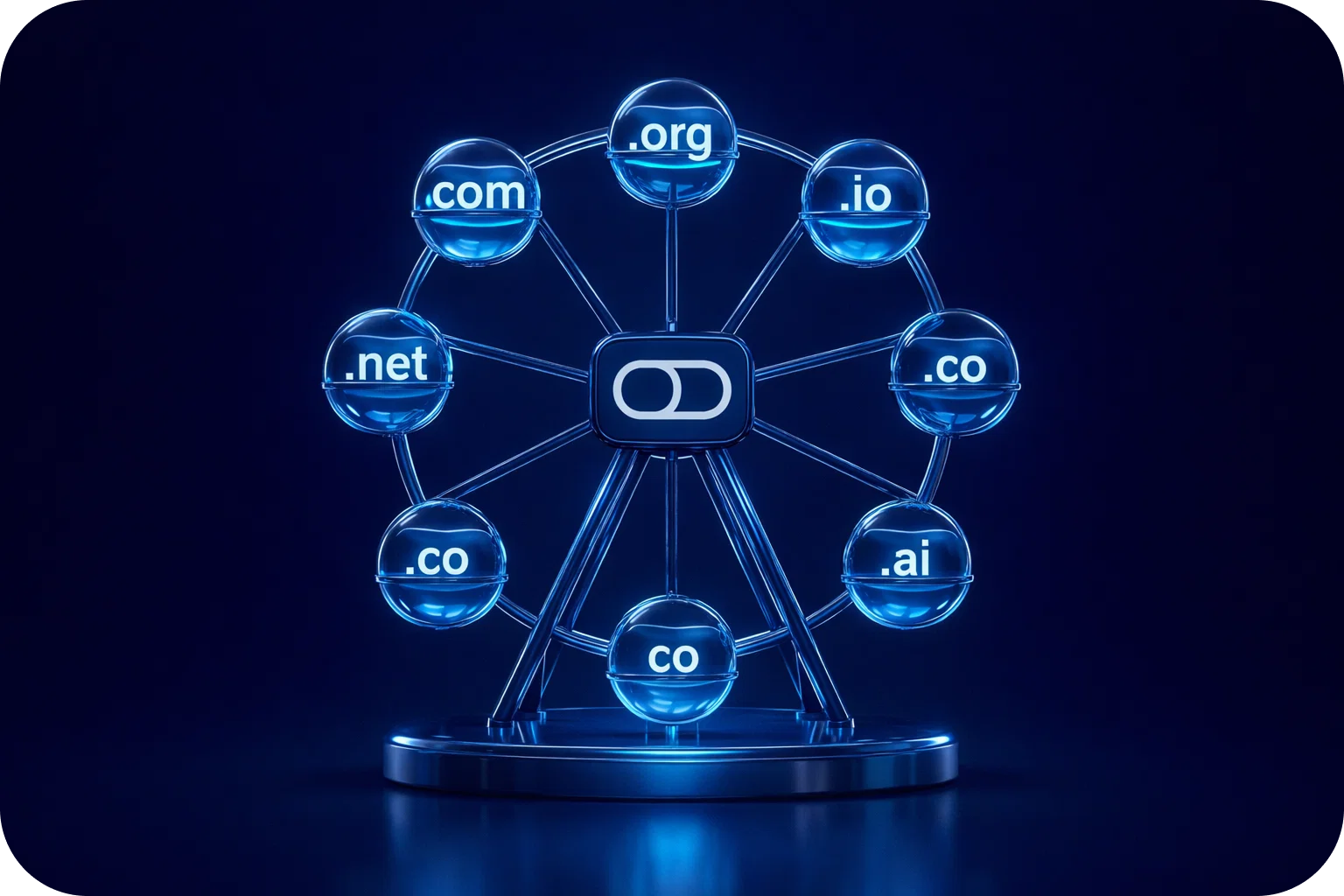
Email remains one of the most effective channels for business outreach, lead generation, and sales. But as more companies ramp up their cold email efforts, the competition for inbox placement intensifies. For high-volume senders, especially startups and sales teams, email deliverability is both a science and an art. One advanced tactic that has become crucial for success is domain rotation.
In this guide, we’ll unpack what domain rotation is, why it’s essential for scaling cold email, and how you can implement it to protect your sender reputation, maximize deliverability, and drive better results from your outreach. Whether you’re a startup founder, a sales manager, or a growth marketer, understanding domain rotation can make the difference between landing in the inbox or getting lost in spam.
What Is Domain Rotation?
Domain rotation is the practice of using multiple sender domains to distribute your outbound email volume, instead of relying on a single domain. Imagine you’re running a large cold email campaign: rather than sending all your emails from “yourbrand.com,” you might use several domains such as “yourbrandmail.com,” “yourbrandteam.com,” and “yourbrandsales.com.”
Each domain acts as a separate identity in the eyes of email service providers (ESPs) like Gmail and Outlook. By rotating between these domains, you spread risk, avoid triggering spam filters, and safeguard your core brand domain from blacklisting.
Key Components of Domain Rotation
- Primary Domain: Your main business domain (e.g., yourbrand.com)
- Secondary Domains: Additional domains closely related to your brand, used for sending campaigns (e.g., yourbrandmail.com)
- Dedicated Inboxes: Separate inboxes for each domain, often mapped to specific campaigns, teams, or sales reps
- Automated Rotation: Tools or platforms that automate the process of distributing sends across domains
Why Domain Rotation Matters for High-Volume Senders
1. Protects Sender Reputation
Every domain has a reputation score with mailbox providers, determined by factors like complaint rates, bounce rates, and engagement. If you send all emails from one domain and run into deliverability issues, your entire business reputation is at risk. Domain rotation acts as an insurance policy, if one domain is flagged, others remain unaffected, and your campaigns can continue running.
2. Improves Deliverability
Deliverability is the percentage of emails that actually reach the inbox instead of landing in spam or getting blocked. Providers like Gmail and Outlook are quick to throttle or block senders who exceed certain thresholds. By rotating domains, you avoid crossing these invisible lines, ensuring more of your emails make it to prospects’ inboxes.
3. Scales Outreach Safely
As you scale up your cold outreach, sending high volumes from a single domain becomes increasingly risky. Domain rotation allows you to multiply your outreach capacity without putting any one domain under excessive strain. This is especially important for teams sending thousands of emails per week.
4. Reduces Blacklisting Risk
Blacklists are databases of domains and IPs known for sending spam. Getting listed can cripple your email campaigns. With domain rotation, your sending activity is spread out, reducing the likelihood that any single domain will be blacklisted.
How Domain Rotation Works
Step 1: Acquire Multiple Domains
Start by purchasing several domains that closely resemble your main brand. These should look professional and be easy to associate with your company.
Step 2: Set Up Email Authentication
Configure SPF, DKIM, and DMARC records for each domain. These authentication protocols prove to mailbox providers that your emails are legitimate and not spoofed.
Step 3: Create Dedicated Inboxes
For each domain, set up dedicated inboxes. Assign these to different sales reps, campaigns, or outreach tools as needed.
Step 4: Warm Up Each Domain
Mailbox providers are wary of new domains suddenly sending large volumes. Gradually increase your sending volume over several weeks (“warming up”) to build trust.
Step 5: Automate Rotation
Use tools to automate the distribution of sends across your domains. This ensures even load balancing and reduces manual work.
Step 6: Monitor Performance
Track key metrics, open rates, reply rates, bounce rates, and spam complaints for each domain. Adjust your strategy as needed based on performance data.
Best Practices for Domain Rotation
1. Choose Brand-Consistent Domains
Select domains that are clearly linked to your main brand. Avoid random or suspicious-looking domains, as these can hurt trust and deliverability.
Example:
If your main domain is “mailpool.ai,” consider alternatives like “mailpoolmail.com” or “mailpoolteam.com.”
2. Set Up Proper Authentication
For each domain, configure SPF, DKIM, and DMARC. This not only protects your reputation but also helps your emails pass through spam filters.
3. Warm Up Domains Gradually
Start by sending a small number of emails (10–20 per day) from each new domain. Increase volume slowly over 3–4 weeks to avoid raising red flags with ESPs.
4. Limit Sending Volume
Stick to the recommended sending limits for each domain and inbox. For example, Mailpool suggests a maximum of 20 emails per inbox per day.
5. Monitor Deliverability Closely
Use deliverability monitoring tools to keep tabs on inbox placement, bounce rates, and spam reports for each domain. Take action quickly if you notice issues.
6. Rotate Content and Templates
Don’t just rotate domains, rotate your email templates as well. Sending the same content from multiple domains can still trigger spam filters.
7. Maintain Consistent Branding
Ensure all domains use consistent branding (logos, signatures, tone of voice) so recipients recognize your company, regardless of the sending domain.
Risks of Not Using Domain Rotation
1. Blacklisting
Sending high volumes from a single domain increases the risk of being listed on spam blacklists. Once blacklisted, your emails are likely to be blocked or routed to spam.
2. Poor Inbox Placement
Mailbox providers may throttle or block emails from domains that exceed sending thresholds, resulting in poor inbox placement rates.
3. Damaged Sender Reputation
If your main domain is flagged for spam, it can take months to recover your reputation, impacting all your business communications.
4. Lower Campaign ROI
Reduced deliverability means fewer prospects see your emails, leading to lower response rates and diminished return on investment for your campaigns.
Implementing Domain Rotation: Step-by-Step Guide
Step 1: Choose and Register Domains
- Brainstorm 3–5 domains that align with your brand.
- Register them through a reputable provider.
- Ensure domains are short, memorable, and professional.
Step 2: Set Up Email Authentication
- Configure SPF, DKIM, and DMARC for each domain.
- Use online tools to validate your setup.
Step 3: Create Mailboxes
- Set up dedicated inboxes for each domain.
- Assign inboxes to different sales reps, campaigns, or outreach tools.
Step 4: Warm Up Domains
- Start with low sending volumes.
- Gradually increase over 3–4 weeks.
- Use warm-up tools or platforms that simulate real conversations to build reputation.
Step 5: Integrate with Outreach Tools
- Connect your domains and inboxes to your cold email platform
- Set up automated rotation so each campaign uses multiple domains.
Step 6: Monitor and Optimize
- Track key metrics for each domain.
- If a domain’s performance drops, pause sending and investigate.
- Replace or add new domains as needed.
Frequently Asked Questions
How many domains should I use?
It depends on your sending volume. For every 1,000–2,000 emails per month, consider adding another domain. Most high-volume teams use at least 3–5 domains.
Can I use free domains (e.g., Gmail, Outlook)?
No, always use custom domains you control. Free domains are more likely to be flagged as spam and offer less control over authentication.
What happens if one domain is blacklisted?
Pause sending from that domain immediately. Investigate the cause, resolve any issues, and consider replacing the domain if needed. With domain rotation, your other campaigns can continue uninterrupted.
Do I need to rotate IP addresses, too?
Rotating IPs is an advanced tactic, usually only necessary for extremely high-volume senders. For most startups and sales teams, domain rotation is sufficient.
Advanced Tips for Domain Rotation Success
1. Use Subdomains for Additional Flexibility
If you want even more sending flexibility, consider using subdomains (e.g., sales.yourbrand.com) in addition to root domains.
2. Automate Everything
Manual domain rotation is time-consuming and error-prone. Use platforms like Mailpool to automate domain management and monitoring.
3. Educate Your Team
Ensure everyone involved in outbound email understands the importance of domain rotation and follows best practices.
4. Stay Updated on Deliverability Trends
Email deliverability is constantly evolving. Stay informed about new spam filter rules and adjust your strategy accordingly.
Conclusion
Domain rotation isn’t just a technical trick, it’s a strategic advantage for high-volume senders who want to scale cold outreach safely and effectively. By distributing your sending activity across multiple domains, you protect your sender reputation, maximize inbox placement, and set your team up for long-term success.
If you’re ready to take your cold email game to the next level, seamless domain rotation is a must. Platforms like Mailpool make it easy to automate every step, from domain acquisition to performance monitoring.
Ready to protect your sender reputation and boost your outreach results? Book a demo with Mailpool today and see how automated domain rotation can power your next growth phase.
More articles



Get started now


