
The Science Behind Email Throttling and How to Avoid It
%201.png)
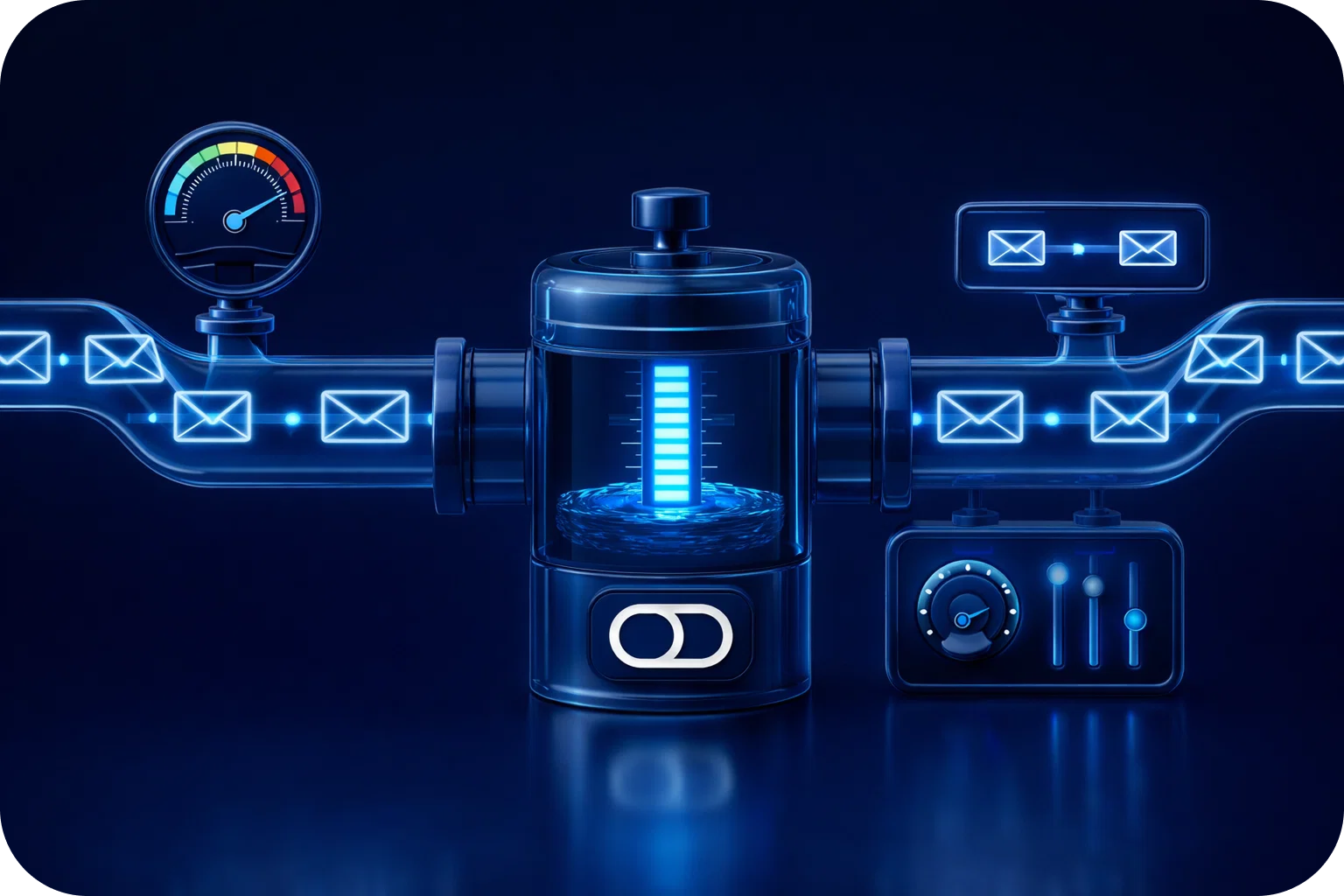
In the world of cold email outreach, sending volume and deliverability are everything. Startups and sales teams are constantly looking for ways to scale their campaigns, reach more prospects, and drive conversions. But as your sending volume grows, you inevitably encounter a hidden barrier: email throttling.
Email throttling can quietly derail even the most well-planned campaigns, leading to delayed deliveries, poor inbox placement, and a damaged sender reputation. Understanding the science behind email throttling, why it happens, how inbox providers enforce it, and what you can do to avoid it is essential if you want to scale your outreach without sacrificing results.
In this article, we’ll break down the technical and behavioral factors that trigger throttling, explain how ISPs and inbox providers filter and limit emails, and provide actionable strategies for startups and sales teams to avoid throttling while maximizing deliverability.
What is Email Throttling?
Email throttling is the process by which Internet Service Providers (ISPs) and email platforms intentionally slow down or limit the number of emails you can send within a specific timeframe. This isn’t just an arbitrary restriction; throttling is a sophisticated, automated defense mechanism designed to protect users from spam, phishing, and server overload.
Key reasons for throttling:
- Spam prevention: Throttling is a frontline defense against mass unsolicited emails.
- Server stability: By controlling the flow of incoming mail, ISPs prevent their servers from being overwhelmed.
- User protection: Throttling helps ensure that malicious or suspicious campaigns don’t flood users' inboxes.
When throttling is triggered, your emails may be delivered slowly, routed to spam, or even blocked entirely.
How Do Inbox Providers Detect and Enforce Throttling?
ISPs and inbox providers like Gmail, Outlook, and Yahoo use a combination of technical and behavioral signals to monitor email traffic. Here’s how the process works:
1. Monitoring Sending Patterns
Inbox providers track the volume and frequency of emails sent from each domain and IP address. Sudden spikes, such as sending 10,000 emails from a new domain in one day, raise immediate red flags.
2. Analyzing Engagement Metrics
Low engagement (few opens, clicks, or replies) signals that recipients may not want your emails. High bounce rates and spam complaints are even stronger negative signals.
3. Content and Reputation Checks
ISPs scan for spammy language, suspicious links, and blacklisted domains. They also track your sender reputation over time, based on historical performance.
4. Implementing Rate Limits
Based on these signals, inbox providers set rate limits, caps on how many emails you can send per hour or per day. Exceeding these limits triggers throttling.
Common throttling triggers:
- High bounce rates or complaints
- Sudden increases in volume
- Sending to invalid or purchased lists
- Lack of authentication (missing SPF, DKIM, DMARC)
The Impact of Throttling on Cold Email Outreach
For startups and sales teams, throttling can have a significant impact:
- Delayed Campaigns: Your emails may be delivered hours or even days after they’re sent, reducing their relevance and timeliness.
- Lower Inbox Placement: Throttled emails are more likely to land in spam or promotions folders, decreasing visibility.
- Damaged Sender Reputation: Persistent throttling signals to ISPs that you’re a risky sender, making future campaigns even harder to deliver.
- Wasted Resources: Time and money spent on crafting and sending emails is wasted if they never reach your audience.
The Science Behind Throttling: Technical and Behavioral Factors
Technical Factors
- Server Load Balancing: ISPs must manage millions of emails per hour. Throttling helps distribute server load and avoid crashes.
- Algorithmic Filtering: Machine learning models analyze sender behavior in real time, adjusting thresholds dynamically.
Behavioral Factors
- Recipient Engagement: ISPs reward senders with high open and reply rates by relaxing throttling limits.
- List Hygiene: Sending to clean, engaged lists reduces bounce rates and complaints, lowering throttling risk.
- Consistency: Gradual, consistent sending patterns are favored over erratic bursts.
How to Avoid Email Throttling: Actionable Strategies
1. Warm Up Your Inbox
Start slow. If you’re using a new domain or inbox, begin by sending a handful of emails per day and gradually increase the volume over several weeks. Automated warm-up tools can simulate real conversations and build a positive sender reputation.
Example warm-up schedule:
- Week 1: 10 emails/day
- Week 2: 20 emails/day
- Week 3: 35 emails/day
- Week 4: 50 emails/day
2. Monitor Engagement Metrics
Track opens, clicks, and replies for every campaign. High engagement signals to ISPs that your emails are wanted. If you notice a drop in engagement, pause and re-evaluate your content and targeting.
3. Segment Your Lists
Don’t blast your entire list at once. Break your audience into smaller, targeted segments and stagger your sends. This reduces the risk of hitting ISP rate limits and improves personalization.
4. Authenticate Your Domain
Set up SPF, DKIM, and DMARC records for your sending domain. These authentication protocols prove your legitimacy and are essential for passing ISP filters.
5. Maintain List Hygiene
Regularly clean your lists to remove invalid, inactive, or unengaged addresses. This lowers bounce rates and spam complaints, two major throttling triggers.
6. Use Deliverability Tools
Platforms like Mailpool automate inbox warmup, deliverability checks, and DNS setup. These tools take the guesswork out of scaling your outreach safely.
Best Practices for Scaling Cold Email Volume
- Increase daily send limits slowly (10–20% per week)
- Use multiple inboxes and domains to distribute volume
- Avoid sending identical content from multiple accounts
- Rotate message templates to avoid spam filters
- Personalize each message to improve engagement
Scale Outreach, Not Risk
Email throttling is a complex but manageable challenge. By understanding the science behind throttling, following best practices, and leveraging deliverability tools, startups and sales teams can scale their cold outreach without risking deliverability.
Ready to take your outreach to the next level? Book a demo with Mailpool today and see how easy it is to scale safely.
More articles



Get started now


