
The Email Reputation Monitoring Dashboard: 7 Daily Metrics Every Sender Should Track
%201.png)
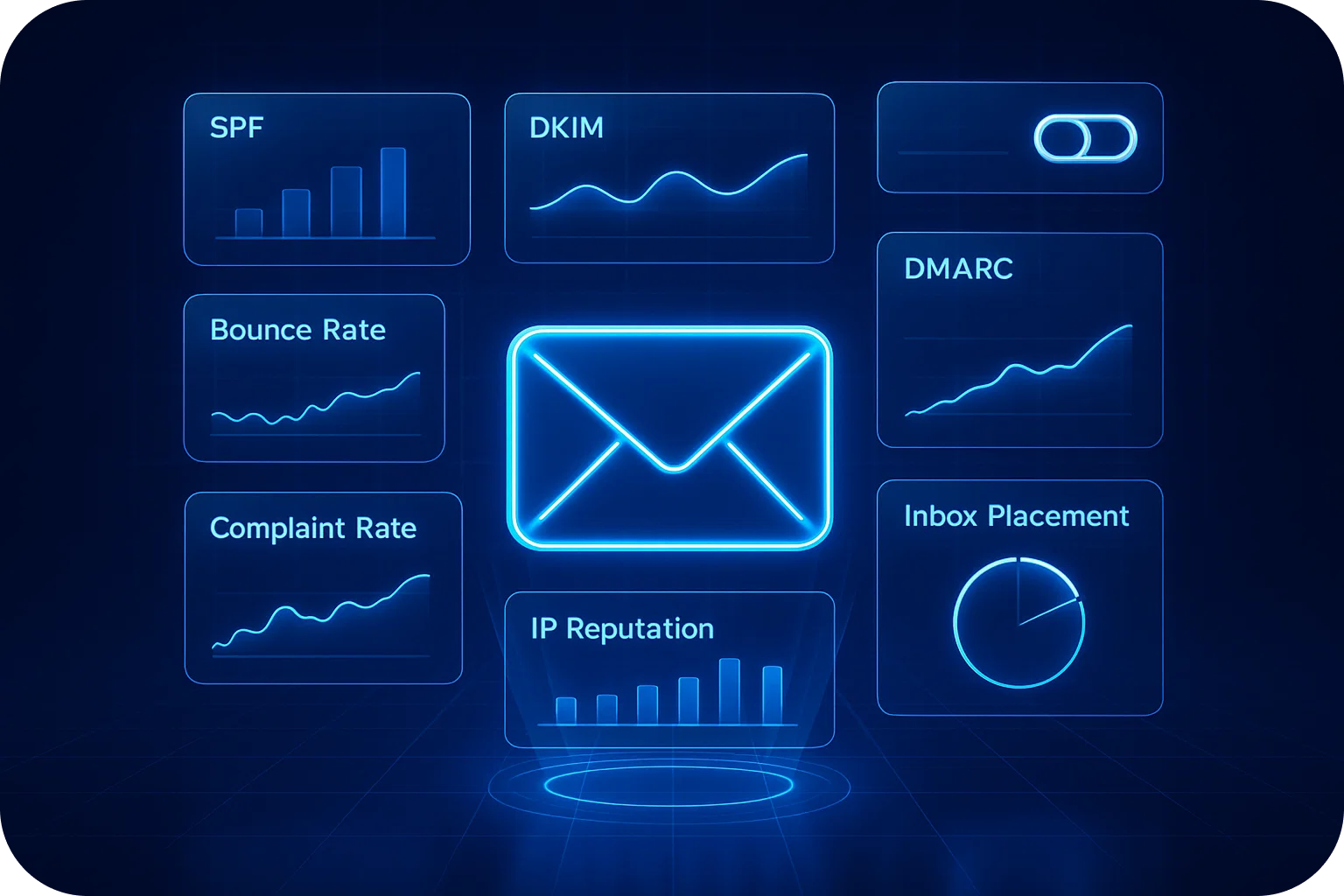
Your sender reputation is the invisible force determining whether your cold emails land in the inbox or vanish into spam folders. While most senders obsess over open rates and reply rates, the real story of your email health lives in a deeper layer of cold email metrics that predict problems before they destroy your deliverability. The difference between a 98% inbox placement rate and a 40% spam rate often comes down to monitoring the right metrics daily. Here are the seven essential sender reputation indicators every cold email sender should track religiously.
1. Inbox Placement Rate: The North Star Metric
What it measures: The percentage of your emails that actually reach the primary inbox versus spam, promotions, or other folders.
Why it matters: Open rate means nothing if your emails never reach the inbox. You could have a 2% open rate that looks disappointing, but if your inbox placement rate is 95%, you're actually performing well. Conversely, a 15% open rate with 30% inbox placement means you're heading toward disaster.
Target benchmark: 96-98% inbox placement across major providers (Gmail, Outlook, Yahoo)
How to track it: Use seed list testing tools that place test accounts across multiple providers and folders. Send your campaigns to these seeds simultaneously with your real sends, then measure where they land.
Red flags: Any drop below 90% requires immediate investigation. A sudden 10-15% decrease in a single day often signals a reputation issue that will compound rapidly.
2. Bounce Rate: The Early Warning System
What it measures: The percentage of emails that fail to deliver, split between hard bounces (permanent failures) and soft bounces (temporary issues).
Why it matters: High bounce rates are the fastest way to destroy sender reputation. Email providers interpret bounces as a signal that you're using poor-quality lists or scraping contacts. Even a 5% bounce rate can trigger spam filtering.
Target benchmark: Under 2% total bounce rate, with hard bounces under 1%
How to track it: Monitor both hard and soft bounces separately in your email sending platform. Pay special attention to bounce rate trends across different domains and list sources.
Red flags: Any hard bounce rate above 3% indicates serious list quality issues. Soft bounce rates above 5% suggest technical problems with your sending infrastructure or domain reputation issues with specific providers.
3. Spam Complaint Rate: The Reputation Killer
What it measures: The percentage of recipients who mark your email as spam through their email client.
Why it matters: Spam complaints have an outsized impact on sender reputation. A single complaint can affect deliverability to hundreds of future recipients. Major providers like Gmail and Outlook heavily weight complaint rates in their filtering algorithms.
Target benchmark: Under 0.1% (one complaint per 1,000 emails)
How to track it: Most email service providers report complaint rates through feedback loops with major ISPs. Monitor these reports daily and investigate any spikes immediately.
Red flags: Any complaint rate above 0.3% will severely damage your reputation. Even 0.2% puts you in dangerous territory. If you're seeing consistent complaints from specific domains or industries, your targeting or messaging needs immediate adjustment.
4. Domain and IP Reputation Scores
What it measures: Third-party reputation scores assigned to your sending domain and IP address by major reputation services.
Why it matters: These scores directly influence whether ISPs accept, filter, or reject your emails. They aggregate data from multiple sources including spam traps, complaint rates, and sending patterns.
Target benchmark: "High" or "Good" ratings across all major reputation services; numerical scores above 80/100
How to track it: Check your domain and IP reputation daily using services like Google Postmaster Tools, Microsoft SNDS, Sender Score, and Talos Intelligence. Each provider weights factors differently, so monitor all of them.
Red flags: Any "Medium" or "Poor" rating requires immediate action. A drop from "High" to "Medium" often precedes a major deliverability crisis by 3-7 days, giving you a critical window to correct course.
5. Engagement Rate: The Quality Signal
What it measures: The percentage of recipients who open, click, reply, or take other positive actions with your emails.
Why it matters: Modern email filters use machine learning that heavily weights recipient engagement. High engagement signals that recipients want your emails, which improves deliverability. Low engagement tells providers your emails aren't valuable, triggering filtering.
Target benchmark: 15-25% open rate, 2-5% reply rate for cold email campaigns
How to track it: Monitor not just opens and clicks, but also reply rates, time-to-open, and read duration. Track engagement trends across different segments, send times, and message types.
Red flags: Open rates below 10% or declining engagement over consecutive campaigns signal that your messaging isn't resonating or your list quality is degrading. Continued sending with low engagement will progressively damage your sender reputation.
6. Spam Trap Hits: The Hidden Threat
What it measures: How many pristine or recycled spam traps are on your sending list.
Why it matters: Spam traps are email addresses specifically created or repurposed by ISPs and blocklist operators to identify senders using poor list practices. Hitting spam traps can instantly land you on major blocklists and destroy your sender reputation.
Target benchmark: Zero spam trap hits
How to track it: This is the hardest metric to monitor directly since spam traps don't announce themselves. Use list hygiene services that identify potential traps, monitor for sudden deliverability drops without corresponding complaint increases, and check blocklist status daily.
Red flags: Any confirmed spam trap hit requires immediate list audit and cleaning. Multiple hits indicate systemic list quality problems that demand a complete overhaul of your lead generation process.
7. Authentication Pass Rate: The Technical Foundation
What it measures: The percentage of your emails that successfully pass SPF, DKIM, and DMARC authentication checks.
Why it matters: Email authentication is now table stakes for inbox delivery. Failed authentication signals to ISPs that your emails may be spoofed or fraudulent, triggering automatic filtering or rejection.
Target benchmark: 100% pass rate for SPF and DKIM; DMARC policy properly configured with monitoring
How to track it: Use Google Postmaster Tools and similar services to monitor authentication pass rates. Conduct regular test sends to verify your DNS records are correctly configured and propagated.
Red flags: Any authentication failures require immediate technical investigation. Even a 5% failure rate suggests DNS configuration issues or sending infrastructure problems that will progressively damage deliverability.
Building Your Daily Monitoring Routine
Tracking these seven cold email metrics daily creates an early warning system that catches problems before they become crises. Here's a practical daily routine:
Morning check (5 minutes): Review inbox placement rate, bounce rate, and spam complaint rate from yesterday's sends. These three metrics reveal immediate problems.
Midday check (3 minutes): Check domain and IP reputation scores. Look for any downgrades or warnings.
End-of-day analysis (10 minutes): Review engagement rates across campaigns, check for any spam trap indicators or blocklist additions, and verify authentication pass rates.
Weekly deep dive (30 minutes): Analyze trends across all seven metrics, identify patterns by segment or campaign type, and adjust your sending strategy accordingly.
The Mailpool Advantage
Maintaining optimal sender reputation requires constant vigilance across multiple domains and email accounts. Mailpool infrastructure handles the technical heavy lifting, automated DNS configuration, deliverability monitoring, and reputation management across your entire sending infrastructure.
With 98% deliverability rates and 10-minute implementation, Mailpool ensures your cold email metrics stay in the green zone while you focus on crafting messages that convert. Our enterprise-grade monitoring tracks all seven critical metrics across unlimited domains and email accounts, alerting you to issues before they impact your campaigns.
Conclusion
Your sender reputation isn't built on a single metric; it's the composite picture painted by these seven daily indicators. By monitoring inbox placement rate, bounce rate, spam complaints, domain reputation, engagement, spam trap hits, and authentication pass rates, you create a comprehensive view of your email health.
The senders who consistently achieve 96-98% inbox placement don't have secret tactics or magic templates. They simply monitor the metrics that matter, catch problems early, and maintain the technical and strategic discipline that email providers reward with inbox delivery.
Start tracking these seven metrics today, and you'll never wonder why your cold emails aren't getting responses. You'll know exactly where you stand and what to fix.
More articles



Get started now


