
Scaling Outreach: When to Add More Domains vs. More Inboxes
%201.png)
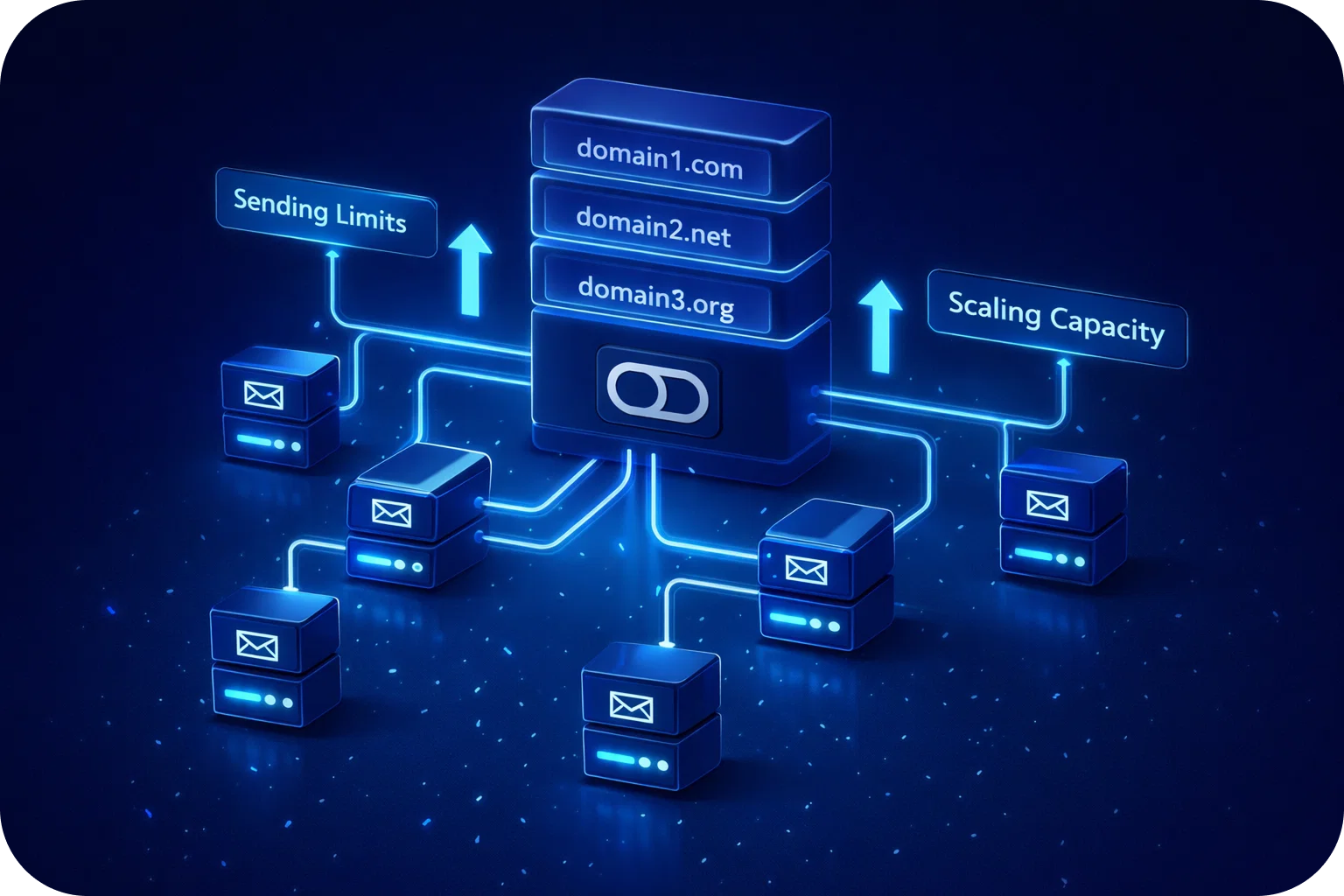
Scaling cold email outreach is a pivotal milestone for growth-focused startups and sales teams. As your campaigns gain traction, you’ll inevitably face a critical decision: should you add more domains or more inboxes to expand your reach? Making the right choice directly impacts your deliverability, sender reputation, and ultimately, your results.
In this guide, we’ll break down the technical and strategic considerations behind each approach, share actionable best practices, and help you decide when to add domains, when to add inboxes, and how to avoid common pitfalls, all with the goal of maximizing your cold email performance.
Why Scaling Matters in Cold Email Outreach
Cold email remains one of the most effective channels for B2B lead generation and sales. However, as your outreach volume grows, so do the risks to your sender reputation and deliverability. Here’s why scaling thoughtfully is essential:
- Increased Reach: More inboxes or domains enable you to connect with a larger pool of prospects without hitting provider-imposed limits.
- Improved Deliverability: Proper scaling helps you avoid spam traps and maintain high inbox placement rates, ensuring your emails are seen.
- Reputation Management: Spreading sends across multiple inboxes or domains protects your primary assets and keeps you off blocklists.
- Sustainable Growth: Smart scaling allows you to grow outreach without sacrificing quality or risking long-term damage to your brand.
Understanding the Basics: Domains vs. Inboxes
Before diving into the “when” and “how,” let’s clarify the difference between domains and inboxes in the context of cold email:
- Domain: This is the web address part of your email (e.g., yourcompany.com). It’s a key factor in sender reputation and is visible to recipients.
- Inbox: The individual email account (e.g., john@yourcompany.com). Each inbox has its own sending limits and reputation profile.
Both play distinct roles in your outreach strategy, and scaling each comes with unique benefits and trade-offs.
When to Add More Inboxes
Adding inboxes is often the first step for teams looking to scale. Here’s when it makes sense:
1. You’ve Hit Inbox Sending Limits
Most email providers cap the number of emails you can send per inbox per day (e.g., 100 emails/inbox/day, with a recommended safe limit of 20-50 for cold outreach). If you’re consistently hitting these caps, adding new inboxes allows you to increase your daily send volume without risking provider penalties.
2. You Want to Personalize Outreach
Multiple inboxes enable you to send emails from different sender names, roles, or departments (e.g., sales@, jane@, partnerships@). This increases your chances of reaching varied personas and can boost reply rates by appearing more personal and less automated.
3. Your Domain Reputation is Strong
If your primary domain has a healthy reputation and high deliverability, scaling up with more inboxes can be a safe and efficient way to reach more prospects, provided you warm up each new inbox properly.
4. You Need to Rotate Senders
Rotating between multiple inboxes helps avoid patterns that trigger spam filters. It also allows you to test different messaging, signatures, and outreach cadences.
Best Practices for Adding Inboxes
- Gradual Warm-Up: Start sending 10–20 emails per day from each new inbox, increasing slowly over 2–4 weeks.
- Unique Sender Profiles: Use different names, job titles, and signatures to enhance personalization.
- Monitor Performance: Track open, reply, and bounce rates for each inbox to quickly spot deliverability issues.
- Avoid Overlapping Content: Don’t send identical emails from multiple inboxes to the same contact list.
When to Add More Domains
There comes a point when adding more inboxes isn’t enough or can even become risky. Here’s when it’s time to consider new domains:
1. Deliverability Drops
If you notice a decrease in open rates, more emails landing in spam, or increased bounces, your domain reputation may be suffering. Adding new domains allows you to reset your sender reputation and diversify your sending infrastructure.
2. Approaching Domain Sending Limits
Domains, like inboxes, have overall reputation thresholds. Sending too many emails from a single domain even across multiple inboxes can lead to blacklisting or spam filtering.
3. Protecting Your Main Brand
Using secondary or “lookalike” domains (e.g., yourcompany.co, yourcompanymail.com) for cold outreach shields your primary domain from potential deliverability issues. If a secondary domain is flagged, your main business communications remain unaffected.
4. Scaling Beyond a Certain Volume
If you’re managing multiple teams or running high-volume campaigns (e.g., 5–10 inboxes per domain, each sending 50+ emails/day), it’s best to spread the load across several domains to avoid saturating any single one.
Best Practices for Adding Domains
- Brand Consistency: Register domains similar to your main brand to maintain trust and recognition.
- Proper Configuration: Set up DNS records, including SPF, DKIM, and DMARC, for each new domain to authenticate your sends.
- Domain Warm-Up: Just like inboxes, new domains need to be warmed up. Start with low send volumes and gradually increase.
- Avoid Brand-New Domains: Don’t use freshly registered domains for immediate mass outreach. “Aged” domains (registered for several months) are less likely to be flagged.
Balancing Act: How to Decide Between More Domains or More Inboxes
Choosing between adding inboxes or domains isn’t always straightforward. Here’s a framework to help you decide:
Assess Your Volume Needs
- If you need to send more emails but your domain reputation is strong and current deliverability is high, adding inboxes is typically the fastest route.
- If you’re approaching limits on both inbox and domain volume, or seeing signs of deliverability issues, start planning for additional domains.
Watch Deliverability Trends
- Sudden drops in open or reply rates, or spikes in bounces, often indicate it’s time to diversify domains.
- Consistent, healthy metrics mean you can safely add inboxes, up to the recommended limits.
Consider Resource Management
- More domains require additional technical setup (DNS, authentication, monitoring).
- More inboxes mean more operational overhead (user management, logins, monitoring performance).
Protect Your Brand
- Always prioritize your main domain’s reputation for core business communications.
- Use secondary domains for high-risk or experimental campaigns.
Technical Checklist: Scaling Safely
Whether you’re adding domains or inboxes, follow these technical steps to ensure smooth scaling:
For New Inboxes
- Set up unique sender profiles (name, signature, photo).
- Enable two-factor authentication for security.
- Monitor inbox health (spam, bounces, replies).
- Use email warm-up tools or services to build a reputation.
For New Domains
- Register domains with reputable providers.
- Set up SPF, DKIM, and DMARC records.
- Verify domain ownership with your email platform.
- Add the domain to your outreach software and test deliverability.
- Warm up the domain with low-volume sends.
Mistakes to Avoid When Scaling Cold Email Outreach
Scaling can backfire if not done carefully. Here are common mistakes and how to avoid them:
- Scaling Too Quickly: Ramp up sending volume gradually to avoid triggering spam filters.
- Ignoring DNS Setup: Missing SPF, DKIM, or DMARC records can cause emails to be rejected or flagged as spam.
- Using a Single Domain for All Outreach: This puts your entire brand at risk if deliverability drops.
- Overloading One Inbox or Domain: Exceeding recommended send limits can result in blacklisting.
- Neglecting Warm-Up: Both new inboxes and domains need a warm-up period to build trust with ISPs.
- Failing to Monitor Metrics: Regularly check open, reply, bounce, and spam complaint rates for every inbox and domain.
Advanced Strategies for High-Volume Senders
For organizations aiming to send tens of thousands of emails per month, consider these advanced tactics:
- Dedicated IP Addresses: For very high volumes, a dedicated IP can improve deliverability, but only if you can maintain consistent sending patterns.
- Automated Rotation: Use tools to automatically rotate between inboxes and domains, randomize sending times, and vary content.
- Blacklist Monitoring: Regularly check if your domains or IPs are listed on major blacklists.
- Feedback Loops: Set up feedback loops with ISPs to receive alerts on spam complaints.
Frequently Asked Questions
Q: How many inboxes should I add per domain?
A: The recommended maximum is 5 inboxes per domain, with 3 as a safe starting point. More than 5 can raise red flags with ISPs.
Q: What’s the ideal daily send volume per inbox?
A: Start with 10–20 emails/day during warm-up, then increase to a maximum of 100/day. For cold outreach, 20–50/day per inbox is safest.
Q: How long should I warm up a new domain or inbox?
A: Plan for 3–4 weeks of gradual volume increases before reaching full capacity.
Q: Can I use free email domains (e.g., Gmail, Outlook.com) for outreach?
A: Avoid free domains for cold email. Use custom, branded domains for better deliverability and professionalism.
Conclusion
Scaling cold email outreach isn’t just about volume; it’s about strategy, reputation, and long-term results. By understanding when to add more domains versus more inboxes, following best practices, and monitoring your metrics, you’ll unlock sustainable growth and higher reply rates.
Ready to take your outreach to the next level? Mailpool.ai’s all-in-one cold email infrastructure platform makes it easy to manage domains, inboxes, deliverability, and scaling, no guesswork required.
Book a demo today to see how you can scale your cold email outreach safely and effectively: Book a demo with Mailpool.
More articles



Get started now


