
How to Use API Integrations to Supercharge Your Email Campaigns
%201.png)
If you’re running cold email campaigns for a startup or sales team, you already know how critical it is to reach the right prospects, at the right time, with the right message. But manual processes and siloed tools can slow your team down and limit your results. That’s where API integrations come in.
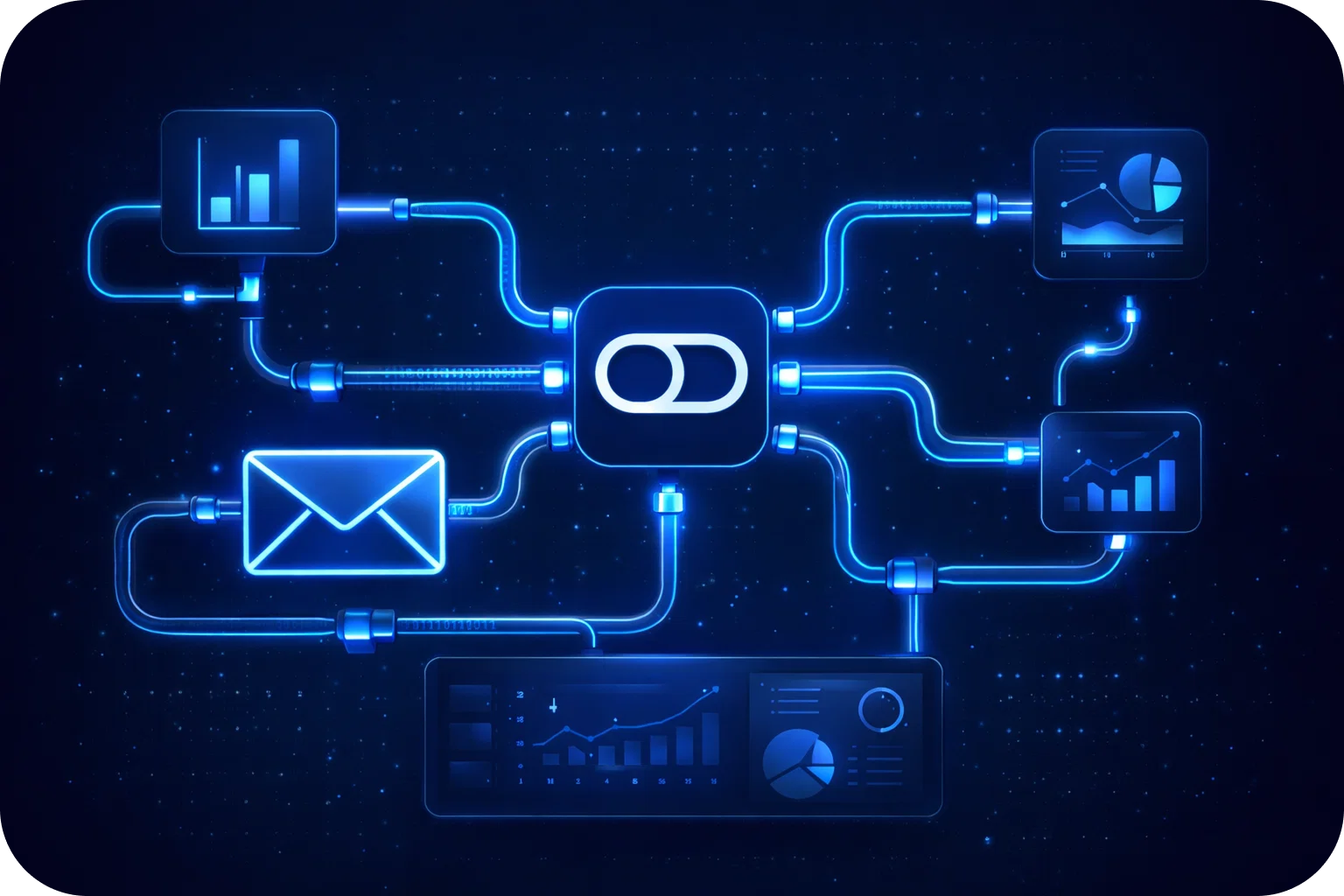
API (Application Programming Interface) integrations connect your favorite tools, allowing them to “talk” to each other, automate repetitive tasks, sync data in real-time, and unlock advanced personalization, all while keeping your campaigns compliant and your data secure.
In this article, we’ll walk you through how API integrations can supercharge your email outreach. You’ll learn the basics of API-driven cold email outreach, discover real-world use cases, and get actionable tips to boost deliverability, efficiency, and ROI.
What are API Integrations in Cold email outreach?
APIs act as bridges between different software platforms, enabling them to exchange information and trigger actions automatically. In the context of cold email outreach, API integrations allow your email tool to connect with CRMs, lead databases, analytics platforms, and more.
Common API integrations include:
- Syncing your CRM (like HubSpot or Salesforce) with your email platform
- Enriching lead data from external sources
- Automating inbox setup and deliverability management
- Connecting analytics tools for real-time reporting
For cold email outreach, these integrations are game changers. Instead of manually exporting and importing lists or updating contact information by hand, you can automate these steps to save time and reduce errors.
Key Benefits of API Integrations for Email Campaigns
API integrations offer several advantages for cold email campaigns:
- Workflow Automation: Remove repetitive manual tasks, freeing up your team to focus on strategy and creativity.
- Real-Time Data Sync: Ensure your lists and segments are always up-to-date, so you’re targeting the right people.
- Personalization at Scale: Use dynamic fields and real-time data to tailor messages for each recipient.
- Enhanced Deliverability: Automate warm-up, DNS configuration, and blacklist monitoring for higher inbox placement rates.
- Improved Reporting: Pull campaign data into dashboards or analytics platforms for deeper insights.
Setting Up API Integrations: Step-by-Step
- Choose Tools That Support API Integrations: Platforms like Mailpool, Instantly, and Lemlist offer robust API capabilities.
- Get Your API Credentials: Most platforms provide API keys or tokens for secure access.
- Connect Your Systems: Follow documentation to link your CRM, analytics, or other tools to your email platform.
- Set Permissions: Control what data is shared and which actions can be triggered.
- Test the Integration: Run a test campaign or sync to ensure everything works smoothly.
- Monitor for Issues: Use built-in monitoring or third-party tools to catch errors early.
Security Best Practices:
- Use strong, unique API keys
- Rotate keys regularly
- Limit permissions to only what’s necessary
- Ensure compliance with GDPR, SOC2, and other standards
Use Cases: Automating and Scaling Your Cold Email Outreach
- CRM Data Sync: Automatically update contact lists based on pipeline changes.
- Trigger-Based Emails: Send emails when a lead reaches a certain score or takes a specific action.
- Lead Enrichment: Pull in additional data (like company size or tech stack) from third-party sources.
- Automated Follow-Ups: Schedule follow-up emails based on recipient behavior.
These automations help you reach prospects faster, with more relevant messages, and at a greater scale.
Best Practices for Safe and Effective API Use
- Respect Rate Limits: Avoid sending too many requests at once to prevent getting blocked.
- Monitor Deliverability: Track bounce rates and spam complaints to maintain a good sender reputation.
- Keep Data Secure: Encrypt sensitive data and follow compliance guidelines.
- Troubleshoot Quickly: Use logs and alerts to identify and resolve issues fast.
Measuring Success: Analytics and ROI Tracking
- Integrate analytics tools (like Google Analytics) via API for real-time tracking.
- Monitor key metrics: opens, clicks, replies, conversions.
- Use data to refine targeting, messaging, and timing.
Future-Proofing: Trends and Next Steps
- AI-Driven Integrations: Leverage AI for predictive sending and smart segmentation.
- Omnichannel Automation: Combine email with LinkedIn, SMS, and other channels.
- Scalable Infrastructure: Build flexible systems that can adapt as your business grows.
Deep Dive: API Integrations in Action
Real-World Example #1: CRM Sync for Seamless Prospecting
Imagine your sales team uses HubSpot as a CRM and Mailpool for cold outreach. By linking these tools via API, new leads added in HubSpot are instantly synced to your outreach lists, complete with custom fields like industry, company size, and lead score. No more manual list exports or outdated contacts, your reps always have the freshest data. This integration also lets you automatically update lead statuses in your CRM based on email engagement, so your pipeline stays accurate without extra admin work.
Real-World Example #2: Trigger-Based Email Sequences
Suppose you want to send a personalized follow-up when a prospect clicks a link in your initial cold email. With API integrations, you can trigger a new email sequence based on that specific action, no manual intervention required. This level of automation ensures timely, relevant communication that increases reply rates and conversions.
Real-World Example #3: Deliverability Automation
Deliverability is the backbone of cold email success. API integrations can automate inbox warm-up, DNS setup, and blacklist monitoring. For example, Mailpool’s API can handle these tasks in the background, maintaining high inbox placement rates and reducing the risk of emails landing in spam.
Technical Best Practices for API Integrations
1. Documentation is Your Friend
Always consult official documentation for both your email platform and any integrated tools. Well-documented APIs make setup smoother and troubleshooting easier. Bookmark guides, sample code, and changelogs for quick reference.
2. Version Control and Testing
Use versioned API endpoints when available, and test integrations in a sandbox environment before deploying them in production. This minimizes the risk of breaking changes impacting your campaigns.
3. Error Handling and Logging
Implement robust error handling in your integration scripts or workflows. Set up logging to track failed requests, API errors, and data sync issues. Proactive monitoring helps prevent data loss and campaign interruptions.
4. Security and Compliance
- Use OAuth or token-based authentication instead of basic passwords.
- Restrict API keys to necessary permissions and rotate them regularly.
- Store credentials securely (never in plaintext or public repos).
- Ensure compliance with GDPR, SOC2, and CCPA by limiting data access and following retention policies.
Advanced Use Cases for Startups and Sales Teams
Dynamic Lead Enrichment
Connect your email platform to enrichment APIs (like Clearbit or Apollo) to automatically fill in missing details, such as company size, tech stack, or recent funding, before a campaign launches. This enables hyper-personalized messaging at scale.
Multi-Channel Outreach Automation
APIs let you coordinate email with LinkedIn, Slack, or SMS. For example, after a prospect opens your cold email, trigger a LinkedIn connection request or Slack notification to the assigned rep. This omnichannel approach increases touchpoints and response rates.
Custom Analytics Dashboards
Pull campaign data via API into Google Data Studio or a custom dashboard to visualize open rates, reply rates, and conversions. Slice the data by segment, campaign, or rep for actionable insights that drive continuous improvement.
Troubleshooting Common API Integration Issues
- Authentication Errors: Double-check API keys, tokens, and permissions.
- Data Mapping Problems: Ensure field names and formats match across systems.
- Rate Limiting: Space out requests and monitor for 429 (Too Many Requests) errors.
- Sync Delays: Use webhooks for real-time updates instead of periodic polling.
- Unexpected API Changes: Subscribe to API status pages and changelogs to stay ahead of breaking changes.
Frequently Asked Questions (FAQ)
Q: How do I know if my email tool supports API integrations? A: Check the tool’s documentation or support center. Most modern platforms (like Mailpool, Instantly, Lemlist) offer APIs and publish integration guides.
Q: Are API integrations secure? A: Yes, when you follow best practices. Use strong authentication, restrict permissions, and monitor access logs. Always comply with data privacy regulations.
Q: Can APIs help with inbox placement? A: Absolutely. APIs can automate warm-up, DNS, and blacklist monitoring for higher deliverability.
Q: What if I don’t have a developer? A: Many platforms offer no-code or low-code integration options, plus pre-built connectors for popular CRMs and analytics tools.
Conclusion
API integrations are no longer a luxury; they’re a necessity for startups and sales teams aiming to scale cold email outreach efficiently and safely. By automating workflows, syncing data, and enabling advanced personalization, APIs empower your team to focus on what matters most: building relationships and closing deals.
Ready to unlock the full potential of your email campaigns? Start by exploring Mailpool’s API documentation and connect your favorite tools today. The future of cold email is automated, integrated, and scalable, don’t get left behind.
More articles



Get started now


